
The passcode that used to allow any third party access to any files on SharePoint or OneDrive without logging into the directory has been revoked by Microsoft. For people who have been used to sharing matters files, CVs, and client documents via the law firm, recruitment agency, or finance, the SharePoint one-time passcode retirement means that some old links will be inaccessible. This guide explains the dates, who is affected and the checks your SharePoint Online environment needs now.
Key Takeaways
- Timeline: The start of the deprecation process of SPO OTP Sign-In at Microsoft began in mid-October 2026 and is expected to be finished by the end of November 2026 (MC1243549 message centre post).
- New shares: As of May 2026, whenever you share any files externally, an automatic Microsoft Entra B2B Guest Account gets generated.
- Who loses access: Outside parties without guest credentials who have access to “specific people” URLs which were available before the new update.
- The fix: Re-share the file, folder or site, or create the guest account in advance. Existing guests see no change.
What is the SharePoint one-time passcode retirement?
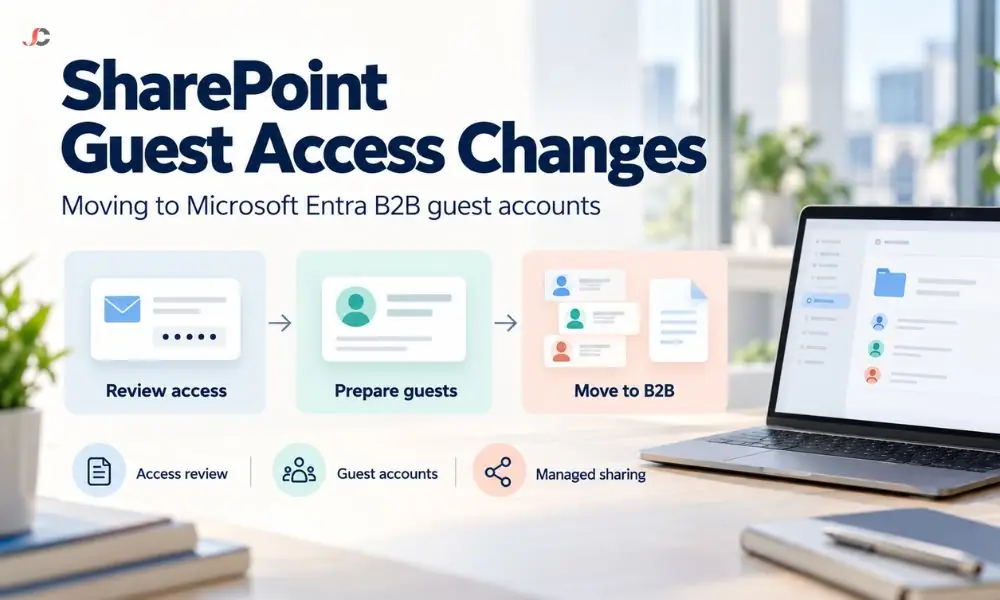
SharePoint one-time passcode retirement is Microsoft removing SPO OTP, the older method that emailed a code to external users so they could open shared content without a directory account. Microsoft Entra B2B guest accounts replace it, so every outsider who opens your files now has a named identity in your Microsoft Entra ID tenant.
Under the old model, SharePoint kept its own record of external users outside the directory. Those users could not be targeted by Conditional Access policies, and their sign-ins sat in SharePoint logs rather than in Microsoft Entra audit logs.
Under the new model, Microsoft Entra B2B Invitation Manager manages every external invitation. An outsider with no work or Microsoft account still signs in with a code sent by email, but the code now comes from the Entra email one-time passcode feature, and the person becomes a guest user you can manage, review and remove.
Microsoft has also removed the option to turn off the integration. From May 2026, the EnableAzureADB2BIntegration tenant setting no longer controls external sharing behaviour, as Microsoft explains in its guide to SharePoint and OneDrive integration with Microsoft Entra B2B.
When does SharePoint one-time passcode sign-in stop working?
SharePoint one-time passcode sign-in is being switched off in phases. Microsoft began retiring it in mid-October 2026 and expects to reach every commercial tenant by the end of November 2026. Government clouds (GCC, GCC High and DoD) follow separate dates that Microsoft has not yet published.
| Phase | Date | What happens | What you should do |
| Phase 1 | May to June 2026 | New external shares create Entra B2B guest accounts | Confirm a test share creates a guest |
| Phase 2 begins | Mid-October 2026 | SPO OTP authentication starts to retire | Brief the helpdesk and key teams |
| Expected completion | End of November 2026 | Outsiders without a guest account see access denied on older links | Re-share content or pre-create guests |
| Government clouds | To be announced | Separate timeline | Monitor the Message Centre |
Several widely read guides still quote August or 31 October 2026 as the end date. Microsoft updated MC1243549 on 1 October 2026 to move the retirement start to mid-October, so plan for the end of November and recheck the Message Centre post before acting.
What will clients and candidates see when an old link breaks?
A user without a guest account who clicks a previously shared link after the change gets access denied instead of the file. The file is not deleted at all. As soon as someone in your organisation reshares the item, or an administrator creates a guest account for that user, access becomes available.
| External user | Outcome after retirement | Fix |
| Already a B2B guest in your tenant | No change | None needed |
| Shared after May 2026 | Guest account already created; no change | None needed |
| Shared before the rollout; no guest account | Access denied on the old link | Re-share, or create the guest account |
| Opening an Anyone link | Not covered by Microsoft’s notice, as Anyone links need no sign-in | Review whether Anyone links suit confidential content |
The person who shared the file usually hears about the problem days later. Recruiters sending CVs to hiring managers and solicitors sharing bundles with counsel are likely to hear first, because their external contacts change often.
How do you find the affected external users?
Start with the SharePoint sharing reports for your busiest client and matter sites, then compare the external email addresses you find with the guest users listed in Microsoft Entra ID. Anyone who appears in the sharing data but not in the guest list relies on the retiring method and needs action.
You do not need specialist tooling to do this. For a small or mid-sized firm, three checks cover most of the risk.
- Site sharing reports: run the sharing links report on each client-facing SharePoint site and on OneDrive accounts with heavy external use.
- Microsoft Purview audit log: search recent external sign-in and sharing activity to see who still opens your content.
- Entra guest list: export your guest users and match them against key clients, counsel, auditors and hiring managers.
Focus on content with an ongoing purpose. A 2023 link to a closed matter may not need saving, while a live due diligence folder does.
If your team shares from personal OneDrive accounts, include them in the review. Check how OneDrive file sharing is configured across the firm, because fee earners and consultants often share directly from their own storage.
What should IT admins check in Entra and SharePoint now?
Administrators should keep email one-time passcode switched on for guests in Microsoft Entra, decide who may invite guests, align domain restrictions in Entra and SharePoint, pre-create guest accounts for key external contacts and give the helpdesk a re-share script. None of these steps needs an additional licence.
- Email one-time passcode: in the Microsoft Entra admin centre, go to Entra ID, External Identities, all identity providers, and confirm that Email one-time passcode for guests is set to Yes. If it is off, outsiders without a Microsoft or work account cannot sign in.
- Guest invitations: review the external collaboration settings and decide whether all members can invite guests or only named people with the Guest Inviter role.
- Domain restrictions: if you limit external sharing by domain in SharePoint, mirror the same allow or deny list in Entra so the two do not conflict.
- Pre-created guests: create guest accounts for high-value contacts before their old links break.
- Helpdesk script: tell support staff that the fix for a broken old link is to re-share it.
These settings sit alongside the wider identity and access controls that protect your tenant. Record any change to guest invitation rights because it affects who can bring outsiders into client data.
Should guest users be required to use multi-factor authentication?
For most regulated firms, yes. Microsoft 365 Business Premium includes Microsoft Entra ID P1, which provides Conditional Access, and Conditional Access policies can require multi-factor authentication for B2B guest users in the same way as for staff. Weigh the extra sign-in step for clients against the sensitivity of what you share.
An emailed guest passcode is valid for 30 minutes, and the guest session lasts 24 hours before a new code is needed. That suits occasional sharing, while a policy requiring multi-factor authentication suits sites holding financial records, personal data or privileged material.
Test any new guest policy with a friendly client first. A badly scoped policy can lock out every external contact at once.
How does this change affect UK GDPR and client confidentiality?
The change helps. Every outsider who opens your files now has a named guest identity, an audit trail in Microsoft Entra and an account you can review or remove. That makes it easier to demonstrate the appropriate access controls the ICO expects under the UK GDPR security principle.
The ICO guide to data security on protecting information highlights the requirement that organisations have suitable access controls. Guest accounts let you answer basic questions quickly: who has access to this client’s data, when they last signed in, and when access should end.
Confidentiality obligations also apply to solicitors, recruiters and financial institutions. Maintaining a guest list you review quarterly and update by deleting closed matters and completed assignments is a straightforward way to demonstrate control of external access.
How should you tell clients and candidates about the change?
A short and clear message should be sent to your regular outside contacts before re-sharing those vital folders. Your message should include that your company will use Microsoft guest accounts, and they may need to accept your invitation or enter the code they receive via email.
“Our file sharing process in Microsoft 365 will soon change. You may get an invitation from us or be required to type a code that will be sent to your email address. If the link we previously sent you no longer opens since November, please reply to this email, and we will resend it right away. Nothing needs to be done if our links are still working fine.”
Send the notice from the person who owns the relationship, not a generic IT address. Clients are more likely to trust an invitation they were told to expect.
Who can help prepare your Microsoft 365 tenant?
Server Consultancy helps UK firms in finance, legal and recruitment review external sharing, configure Microsoft Entra guest settings and clean up guest access as part of ongoing Microsoft 365 management. We can run the affected-user check, apply the settings above and handle client-facing fixes while your team carries on working.
Our Microsoft 365 support team can manage the helpdesk calls when old links break. For a wider review of sharing policy and guest governance after the SharePoint one-time passcode retirement, speak to our Office 365 consultancy specialists.
Is Microsoft removing external sharing from SharePoint?
No. External sharing continues. The only change is the authentication process, which shifts from the temporary password provided by SharePoint to the Microsoft Entra B2B Guest solution.
Do existing guest users need to do anything?
No. External users who already have a guest account in your tenant see no change.
Will Anyone links stop working?
Microsoft’s retirement notice covers specific people links and does not mention Anyone links, which do not require sign-in. Review whether Anyone links are appropriate for confidential material.
How long does an emailed guest passcode last?
The Entra email one-time passcode is valid for 30 minutes. The guest session then lasts 24 hours before a new code is required.
Can we turn off the Entra B2B integration to keep the old method?
No. From May 2026, Microsoft removed the option to turn off the integration, and the EnableAzureADB2BIntegration setting no longer controls sharing.
Do guest accounts cost extra?
Microsoft charges for external users on a monthly active user basis, with the first 50,000 monthly active users free. It is unlikely any SME would reach that level of use.
What should a client do if they see access denied?
Contact the person who shared the file. Re-sharing the item creates a guest account and restores access.
Does this affect Microsoft Teams guest access?
No. Teams guests already have Microsoft Entra B2B guest accounts, so the SharePoint one-time passcode retirement does not change how they sign in.